Not on offer
DailyDos is not sold, not rented out and not advertised. There are no prices, no payment feature, no advertising and no intent to make a profit.



Closed testing · access by invitation
DailyDos turns your plans into projects, splits them into sections and every step into a todo. It runs in the browser, on your desktop and on your phone. It is a private project, it is not for sale, and it is not open: there is no sign-up, access is granted one person at a time.
DailyDos is a private software learning project by John Ollhorn. To leave no room for a wrong impression, plainly:
DailyDos is not sold, not rented out and not advertised. There are no prices, no payment feature, no advertising and no intent to make a profit.
There is no registration. Access is granted individually to a limited number of testers and can be withdrawn at any time.
The test round can end at any time. There is no guaranteed availability, no claim to support and no warranty.
I build it to learn, and to keep my own plans in order. Feedback from testing makes it better — that is the whole purpose.
As of August 2026
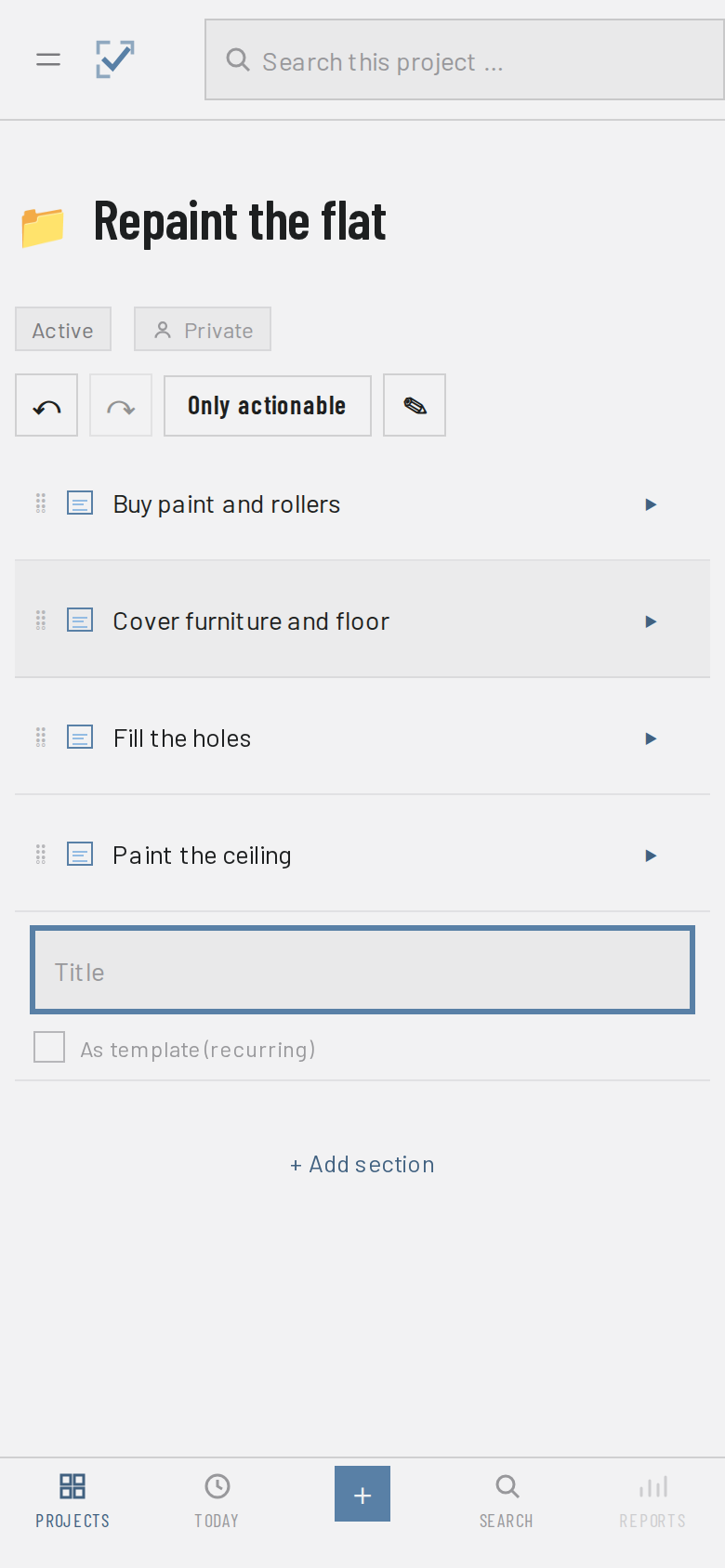
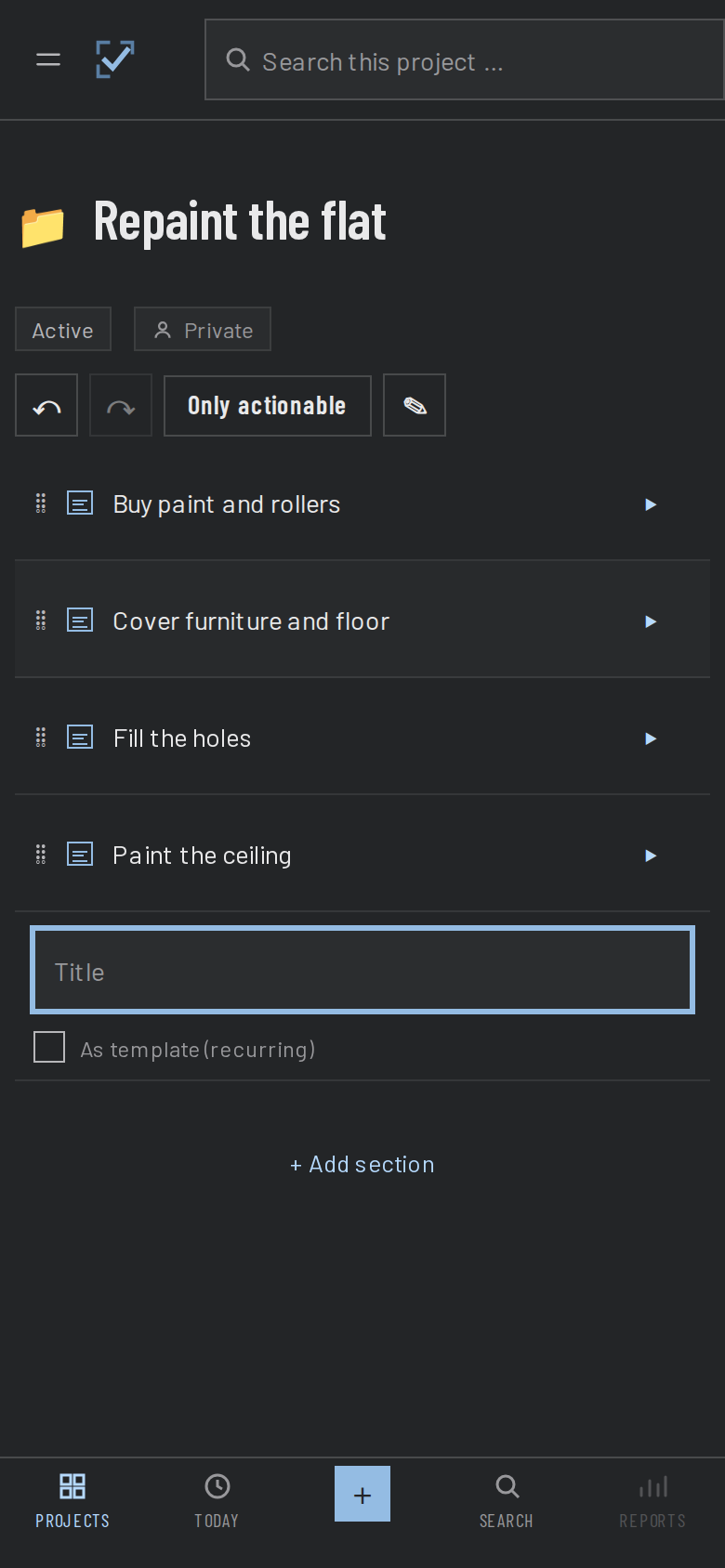
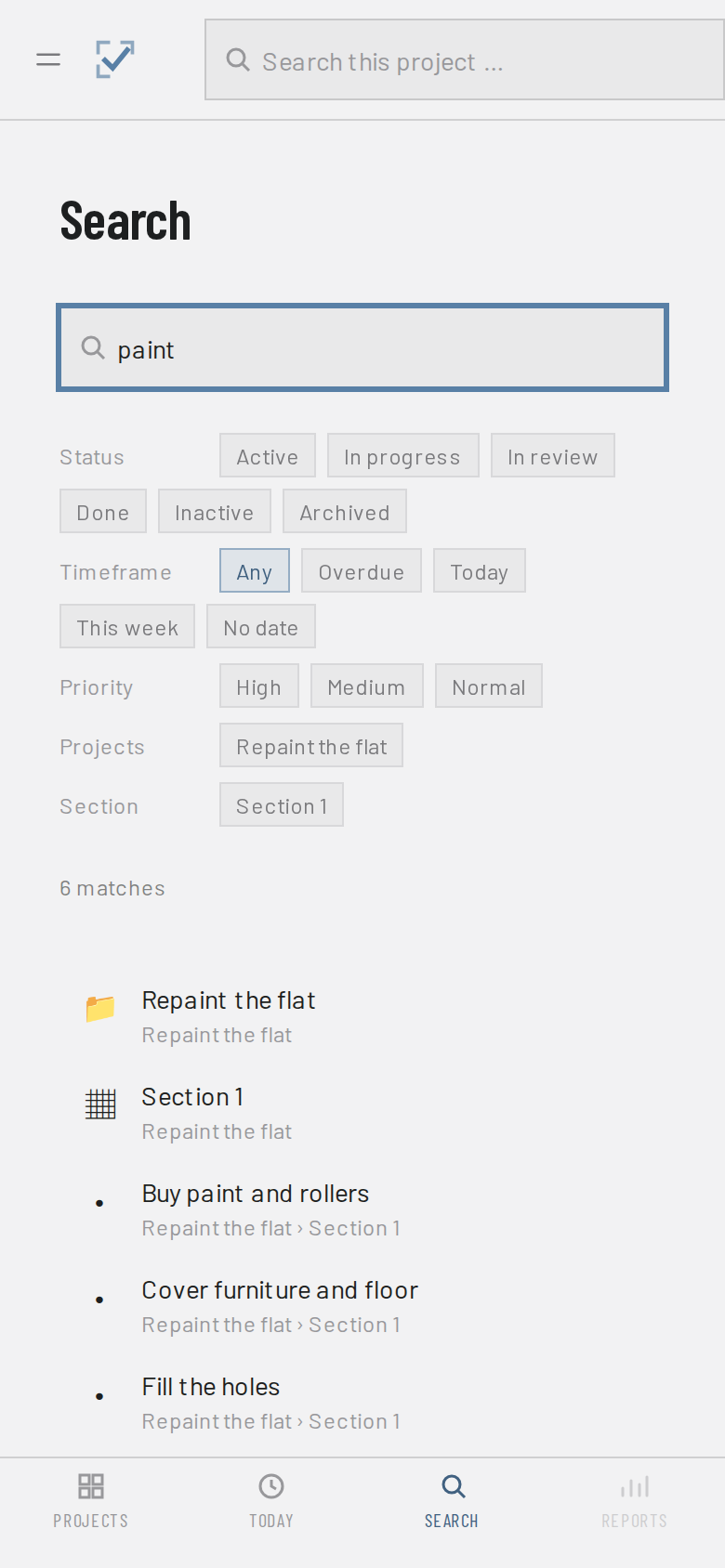
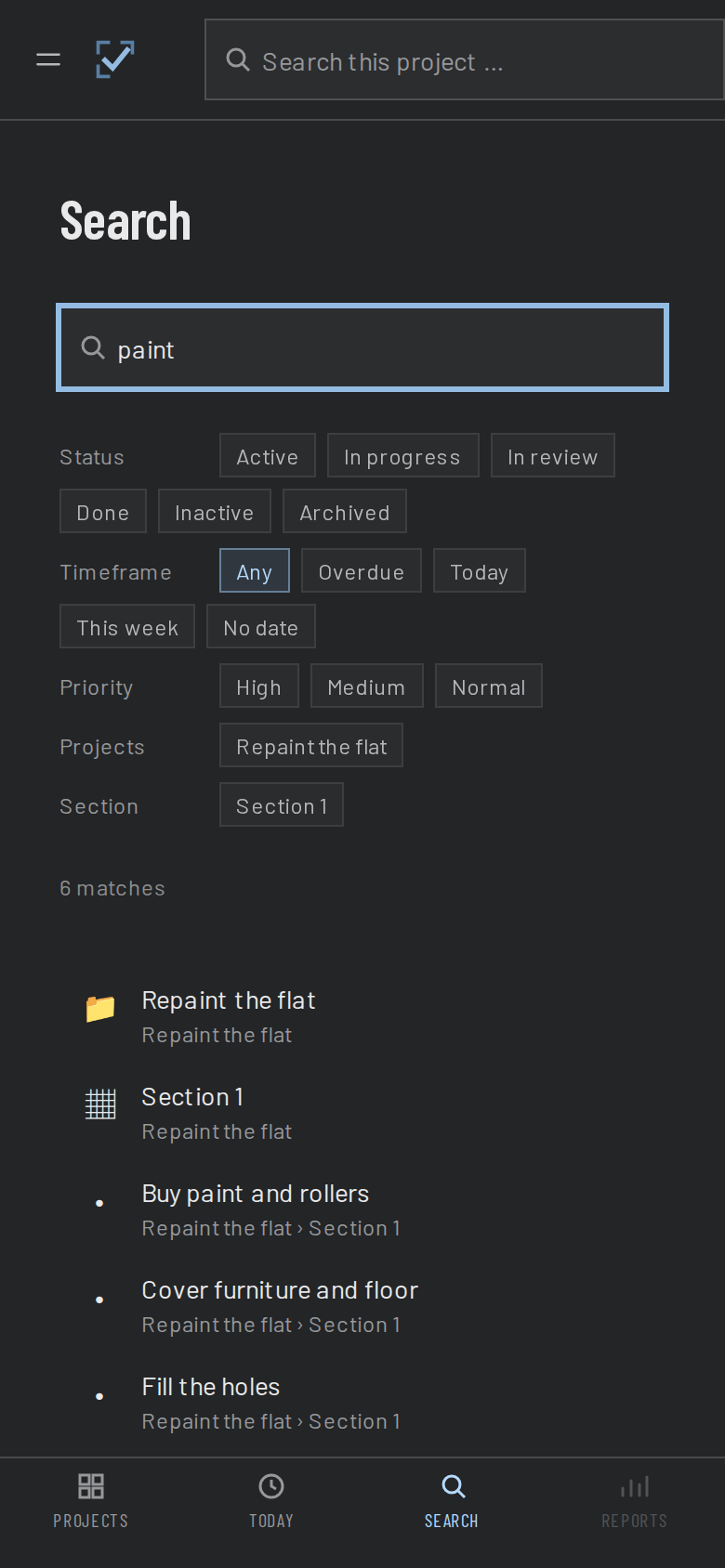
Enough structure for a big undertaking, little enough in the way for a shopping list.
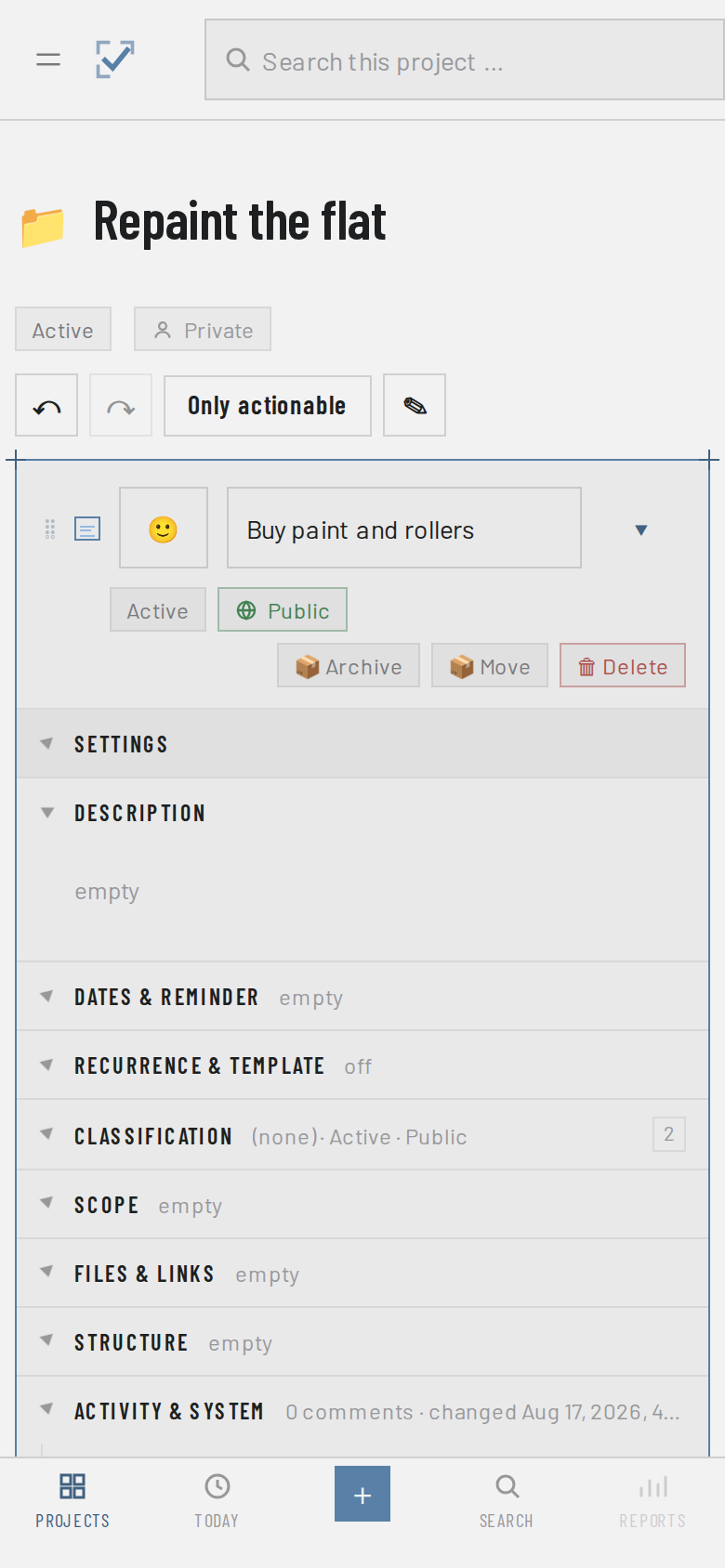
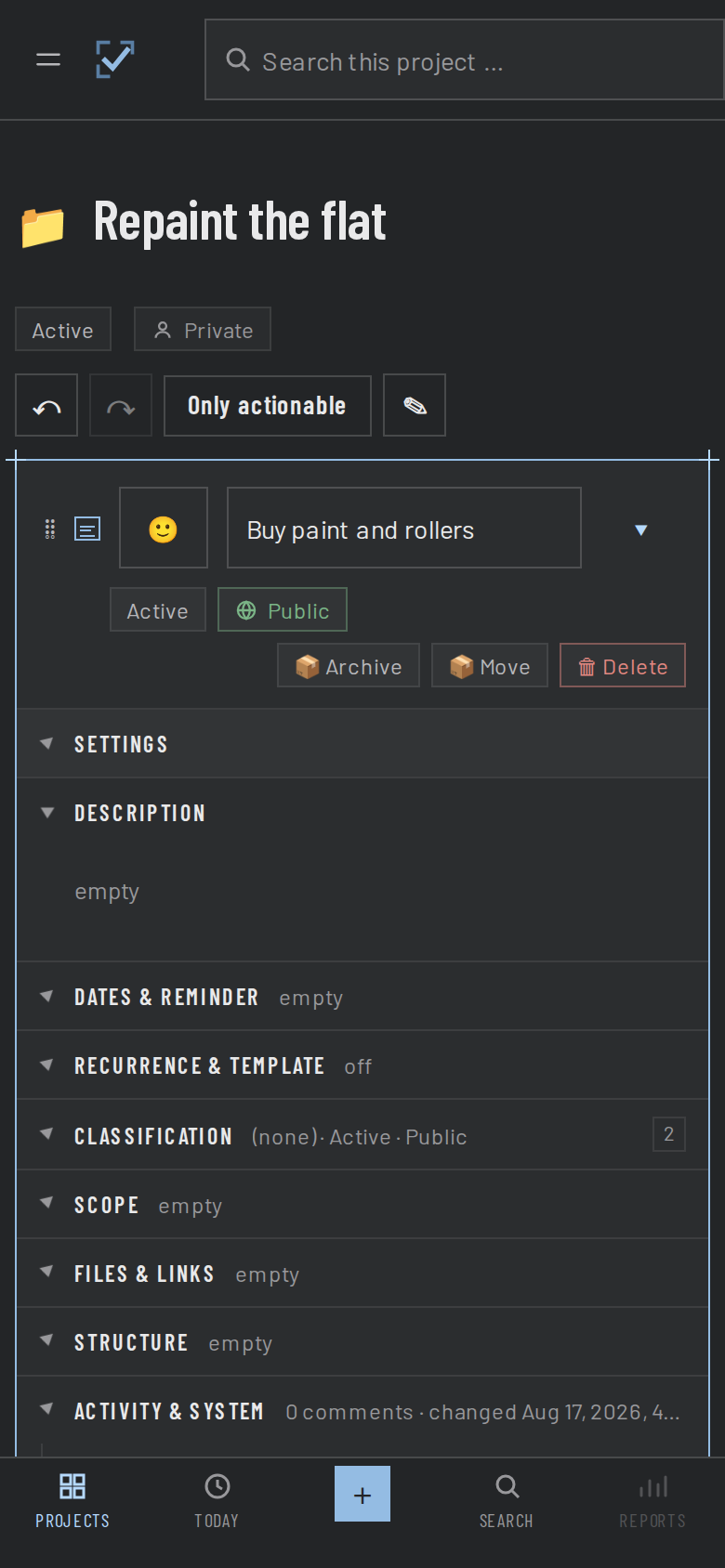
A plan becomes a project, its stages become sections, and the todos live inside — with sub-todos nested as deep as the task needs.
Grab a todo, drop it where it belongs. Under another todo, into a different section. The order is yours.
If you want it, a section stays locked until the previous one is done. And a single todo can wait for another without becoming its child — you can see what is blocked, and by what.
Mark a todo as a template and set the rhythm: every three days, every week, every month. DailyDos creates the next round itself, counts from the date you choose and stops when the series should end. What you finished stays finished.
A reminder per date field, with as much lead time as you want. Web push in the browser; on Android the device schedules them itself, even offline. Which devices take part is your call in the settings, and you can revoke it any time.
Start, deadline and planned day. Plus estimated minutes, three priority levels and tags to find things again.
One field across all projects, filtered by status, section, tag and timeframe. “Overdue” and “this week” are one click away.
Undo and redo for every step. Plus file backups and single-project export — take it with you, hand it over, bring it back.
An AI agent can read and create todos — only after you explicitly allow it, only for the projects you release, and revocable at any time.
Short version: DailyDos stores on your device. What reaches the server gets there because you signed in — and can be pulled back out in full.
DailyDos keeps projects and todos on the device itself and carries on there, offline included. Syncing with the server is an addition, not the foundation.
There is no registration. Signing in happens with a Google account, and only addresses I unlocked beforehand get through. Everyone else sees the sign-in page and nothing else.
Usage data is collected only after you explicitly agree. The contents of your todos never are. Withdraw any time, and have what was collected deleted with it.
Save single projects as a file, get a full data export at the push of a button. You remove your account and its server data yourself in the settings — and the invitation goes with it.
Testing runs in small groups. If you would like to take part, drop me a line — one sentence is enough. I get back to you once a seat opens up and unlock your address then.
How it goes
Your mail lands in my inbox — this page takes nothing in and stores nothing. I keep the message while the test round runs and delete it afterwards. It is not passed on.
To be fair: this is an early version. A few areas of the app are greyed out and don't do anything yet — they are visible on purpose, that is where the work is happening.
Questions, bugs, remarks — or a request about your data. All through the same address, with no form and without this page storing anything.